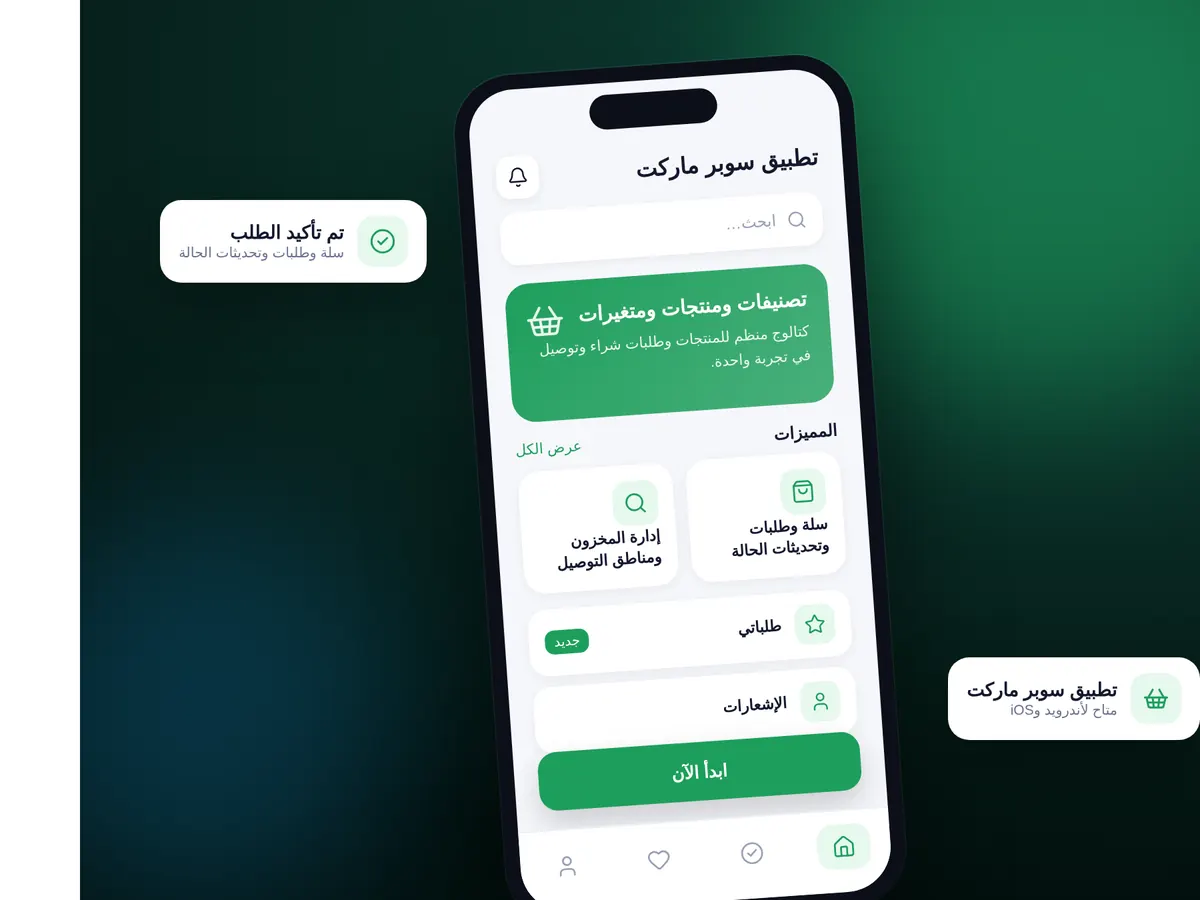
The app is not the goal; selling is
Many supermarket owners treat an app as something that "has to exist", like the sign above the door. The result is an app that gets installed once: the customer opens it, finds missing photos or stale prices, closes it and never returns. An app that actually sells is built around one question: why would a customer order here instead of walking in or calling? Once that answer is clear, the remaining decisions get easier.
The catalog is half the work
Products are the first thing customers see. An item without a photo, with a confusing name or an outdated price breaks trust immediately. Before considering any other feature, decide who in the store owns the catalog: who adds new items, who updates a price when it changes, and who hides an item when it runs out. Categories should follow the customer's logic, not the stockroom's: "Dairy and cheese" is clearer than the internal department code you use behind the counter.
Real stock or imagined stock?
Nothing frustrates a customer more than ordering, waiting, and then getting a call saying half the order is unavailable. If you run a POS or inventory system that stays up to date, connecting it to the app saves a lot of trouble. If you do not, at least give staff a one-tap way to mark an item "unavailable", and let customers choose what happens when something is missing: remove it, substitute it, or call them.
Substitutes, weights and pack sizes
A supermarket is not a clothing shop. Some products sell by weight, some come in several sizes, and some change price every week. The app must handle this from day one: half a kilo of tomatoes, a case of water versus a single bottle, a "buy two" offer that applies without anyone doing the maths by hand. If the app cannot cope with these cases, your team ends up phoning every customer to double-check, which defeats the purpose of having an app at all.
The order must reach someone who acts on it
Where does the app send the order? If the answer is "to an email someone opens at night", customers will wait a long time. Orders should appear instantly on a screen or phone next to the person who prepares them, with a clear audible alert and a printout if needed. Order status must genuinely change too: received, being prepared, on the way. A customer who sees the order moving waits patiently; one who sees nothing calls ten times.
Offers that bring customers back
Customers return when they have a reason to. It does not need to be a big discount; an offer on a staple item, free delivery above a certain basket value, or a simple notification on a particular day can be enough. What matters is that the owner can manage offers from the dashboard without calling the developer each time.
Search and basket: as few steps as possible
A supermarket customer usually knows what they want and is not there to browse. Make search fast and tolerant of simple spelling mistakes and the everyday names people use for products. Offer a one-tap "reorder" of the last order, because most household shopping repeats weekly. At the basket, do not ask the customer to create an account or type a lot before confirming; a name, phone number and address are enough the first time, and the rest can be saved for next time.
Test on a real phone
Try the app on an ordinary, older phone over a weak connection. If images take ages to load or screens freeze, the customer will not finish checkout. Compressed images, fast search and a short path from basket to confirmation are small details that make the difference in the end.
Start with what actually sells
You do not have to list every item on day one. Begin with the products ordered most often, run the app with customers you know, and listen to their feedback. After a few weeks you will know what needs fixing, and then you can expand. The app that sells is the one the owner treats as part of daily operations, not a project that was delivered and closed.
All articles